
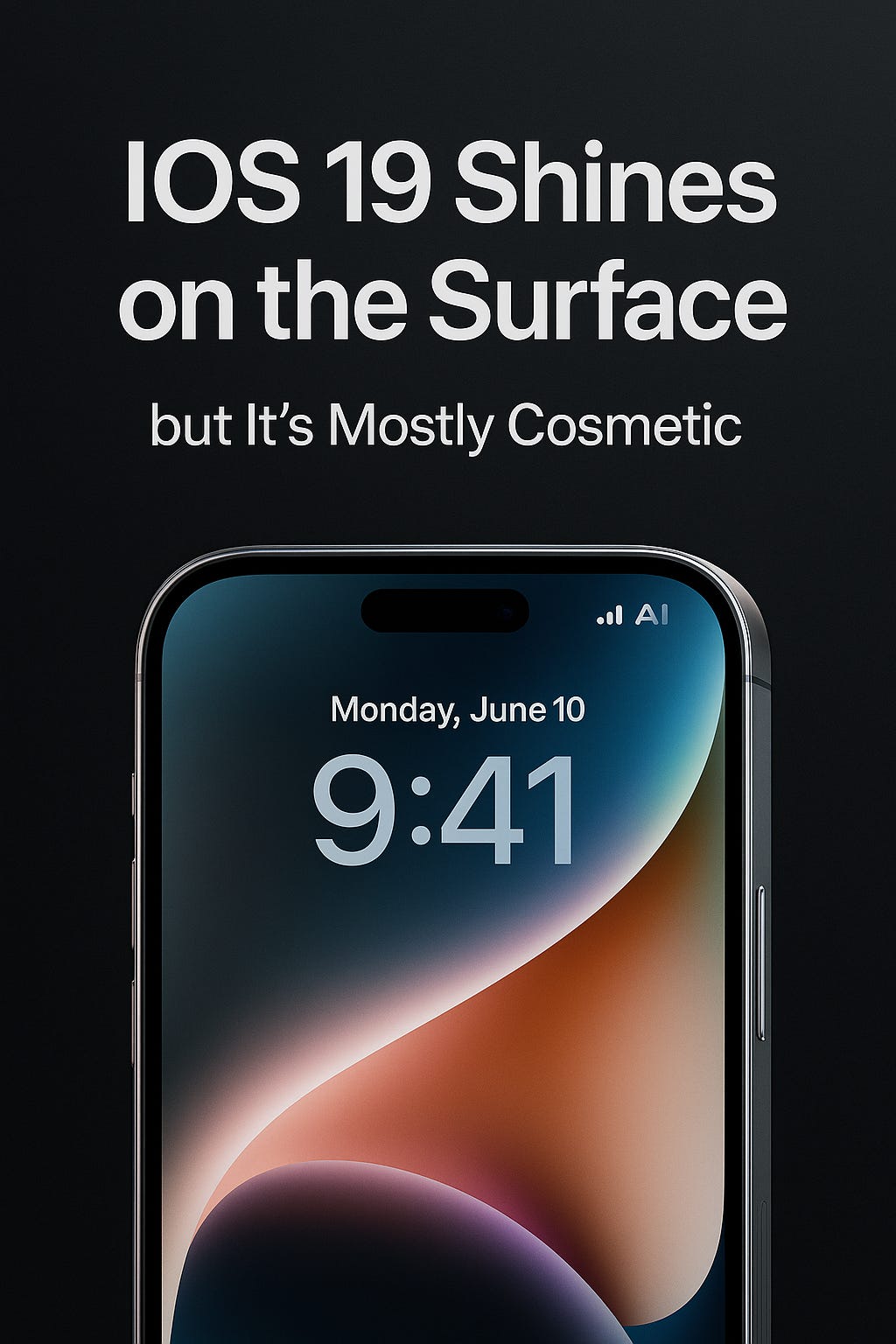
Apple’s latest iOS update is being pitched as a design and intelligence milestone. At its center is a new “Liquid Glass” aesthetic, deeper integrations of Apple Intelligence, and a long list of tweaks across apps like Messages, Maps, and Wallet.
But beyond the glossy screenshots and demo reels, the real question is whether these updates change how most people use their iPhones or if they amount to incremental refinements dressed in a new look.
Image Courtesy : Apple.com
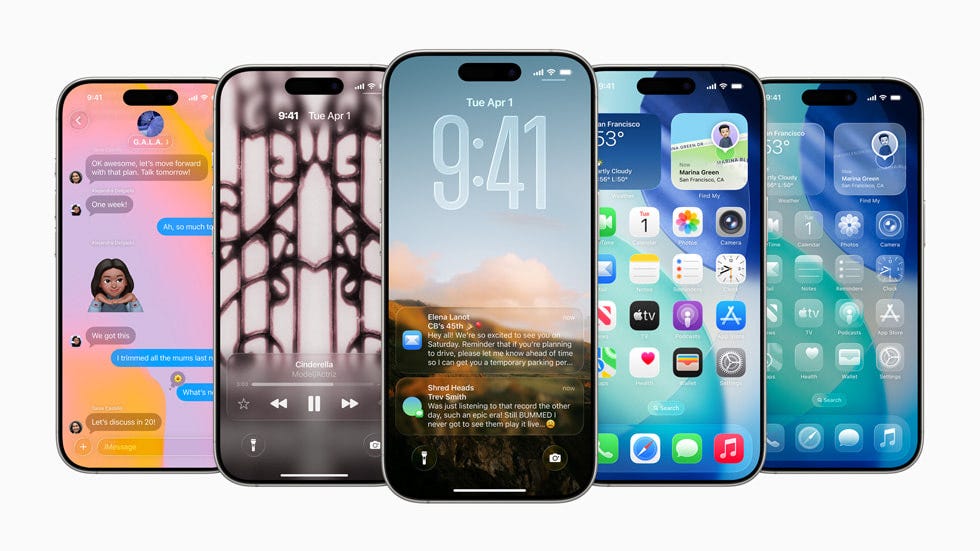
Design: Liquid Glass and Adaptive Screens
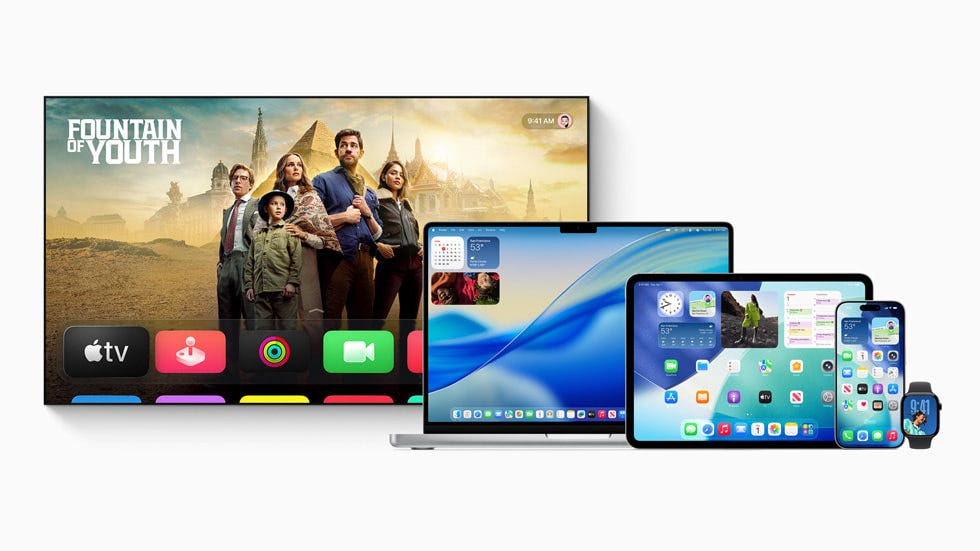
Apple is emphasizing design as a headline feature. “Liquid Glass” refracts and reflects content in real time, giving the interface a more fluid, almost holographic feel. Lock Screen time now shifts its size dynamically to fit photos, notifications, and Live Activities. Wallpapers can take on “Spatial Scene” depth effects that react when you move your phone. Even app icons can be customized with tinted or transparent looks.
Visually, it’s striking but these changes won’t alter how you use the device day to day. They’re aesthetic, not functional. The benefit is mostly freshness for those who value personalization and novelty.
Apple Intelligence: Translation and Contextual Awareness
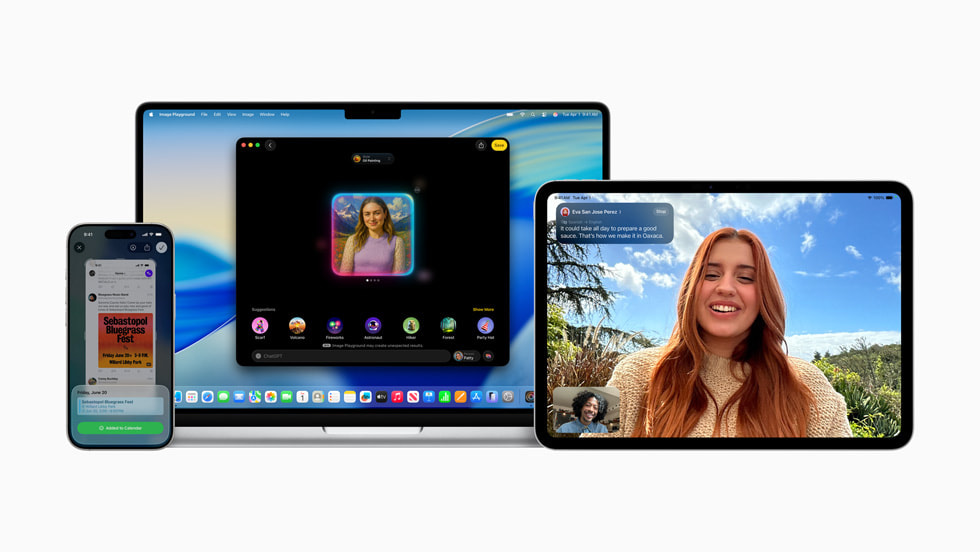
The more substantial changes come from Apple’s AI platform, Apple Intelligence, which continues to expand. Three areas stand out:
Visual Intelligence lets you highlight text or images on your screen and jump to web results, third-party apps, or even ChatGPT. In practice, it’s an extension of existing search tools, though integration is smoother.
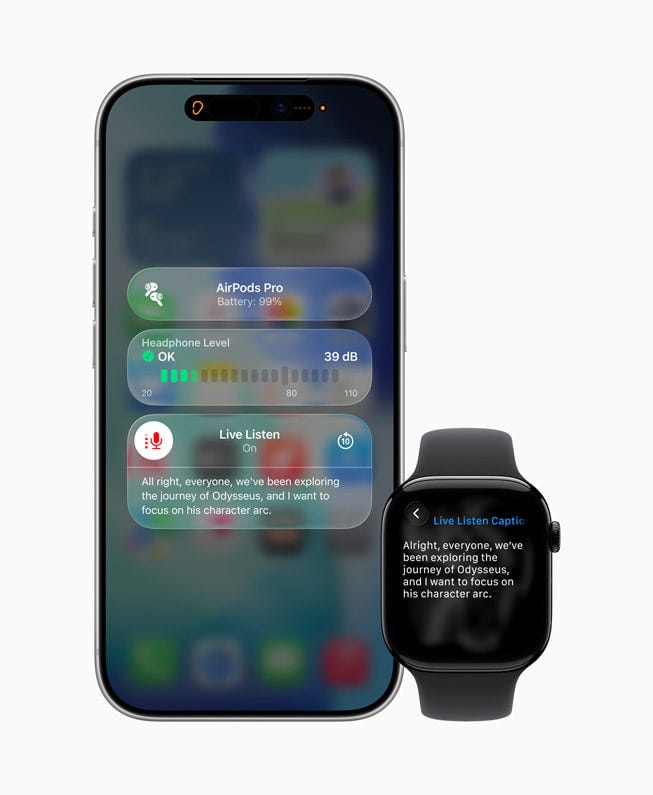
Live Translation works across Messages, FaceTime, phone calls, and even AirPods. Real-time captions and spoken translations could be useful for travelers or bilingual households, though accuracy and regional support will determine how reliable it is.
Genmoji and Image Playground offer AI-powered creativity mixing emojis or generating custom styles. Fun, yes, but more of a novelty than a productivity tool.
This is Apple’s careful step into consumer AI. It’s less about breakthrough capability and more about folding AI quietly into familiar apps.
Core Apps: Messages, Phone, and Photos
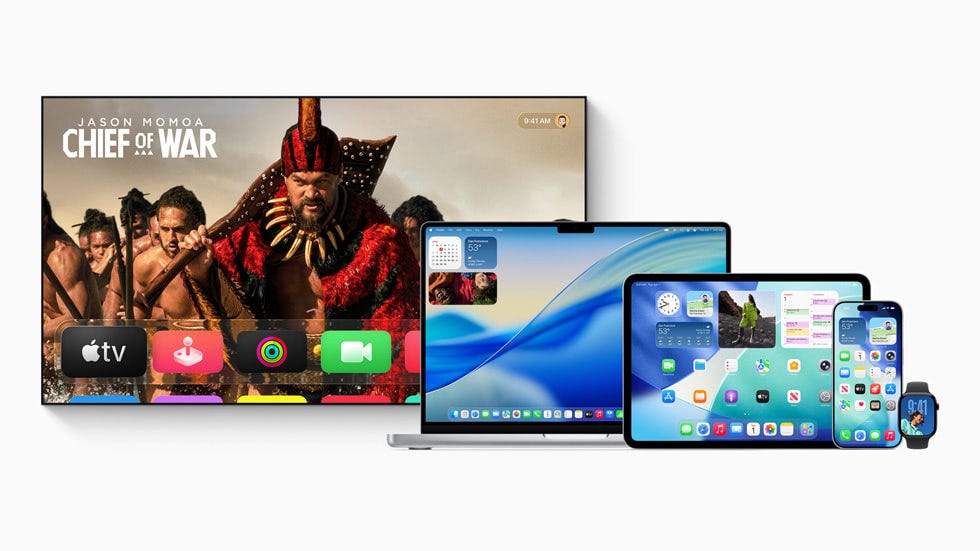
Apple is also refreshing the apps people use most often:
Messages now allows conversation backgrounds, group polls, and better screening of unknown senders. These are quality-of-life upgrades, but not revolutionary.
Phone introduces call screening for unknown numbers and “Hold Assist” to wait on your behalf for customer service queues. That’s arguably one of the most practical new features this year.
Photos reorganizes into Library and Collections tabs with customizable layouts. Recognition for events like concerts or sports is helpful, but Apple is still playing catch-up to Google Photos in automated curation.
Together, these tweaks reduce small frictions, but they don’t reshape communication or photo management.
Maps, CarPlay, and Music
Maps introduces “Visited Places” and “Preferred Routes.” The former helps you remember locations, the latter predicts commutes. Both echo Google Maps’ existing functionality.
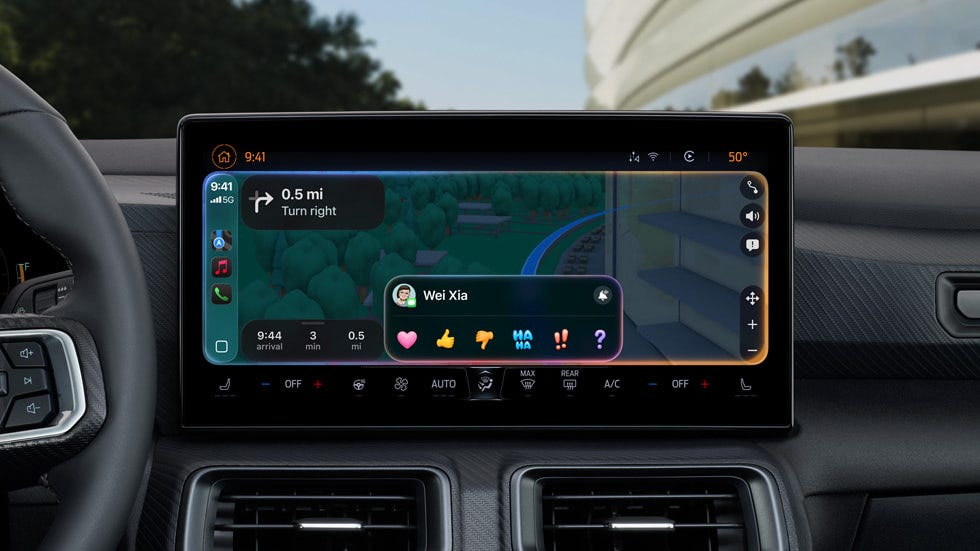
CarPlay gains design polish with Liquid Glass, pinned conversations, widget stacks, and compact call notifications. It’s evolutionary, not disruptive.
Music gets Lyrics Translation, AutoMix (DJ-style transitions), and pinned playlists. This is one of the few areas where the iPhone’s experience genuinely expands, especially for global music listeners.
Wallet, Games, and Everyday Utility
Apple is broadening its reach into commerce and entertainment:
Wallet now includes order tracking powered by Apple Intelligence, installment payment options with Apple Pay, and improved boarding passes. While convenient, this also deepens Apple’s role as intermediary between users and financial institutions.
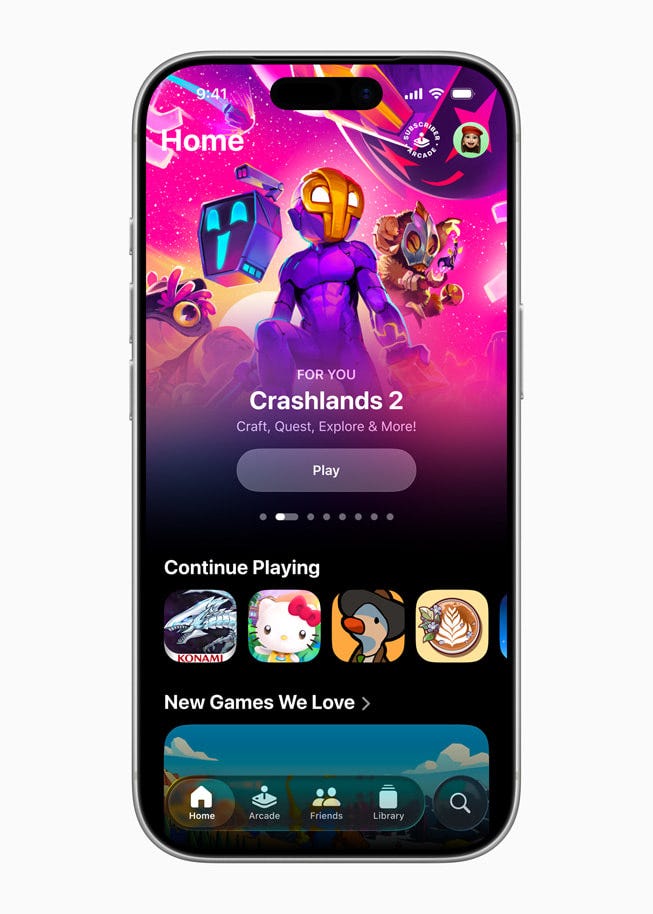
Apple Games app consolidates the gaming library and adds social features. For casual players, this simplifies discovery, but it’s not a game-changer for the broader gaming ecosystem.
Beyond these, smaller features may actually matter more in daily life:
A new Preview app for PDFs with AutoFill and scanning.
Local Capture for high-quality recordings on calls.
Custom Snooze options for alarms.
Password History for tracking old credentials.
These under-the-radar improvements may carry more day-to-day utility than the splashier design elements.
Protecting Kids and Accessibility
Apple continues to strengthen child safety and accessibility:
Communication Requests let kids seek approval before new contacts.
Content Safety now blurs nudity in FaceTime and Shared Albums.
Accessibility Reader offers customization of fonts, colors, and spacing across apps, while Accessibility Nutrition Labels make App Store browsing easier for those with specific needs.
These are incremental but meaningful, underscoring Apple’s positioning as a platform concerned with safety.
Implications: Incrementalism Disguised as Breakthrough
For long-time iPhone users, iOS 19 is less about radical innovation and more about layering polish onto existing systems.
The design changes are cosmetic and may delight at first but fade into the background.
AI features are useful but modest compared to what Google and Samsung are already testing.
The most practical gains lie in call screening, hold assist, and everyday utilities like PDF management and password history.
Apple’s playbook here is continuity: make the iPhone feel fresh without unsettling its base, while gradually seeding AI into the operating system.
Conclusion
Strip away the branding gloss, and iOS 19 looks less like a leap forward and more like a rearrangement of the furniture. “Liquid Glass” is an aesthetic flourish, not a functional advance. Apple Intelligence, while marketed as transformative, mostly folds in conveniences that competitors already offer often with more capability.
The headline features won’t dramatically change how people use their phones. Instead, the most useful upgrades are buried: call screening, hold assist, and a built-in PDF app. These could have been shipped years ago.
For all the talk of intelligence and design breakthroughs, iOS 19 is evolutionary at best and ornamental at worst. Apple has chosen polish over disruption, and the result feels more like a software refresh meant to keep users inside the ecosystem than a true reinvention of the iPhone experience.